

A Python tool for rendering GIFs and custom animations as ASCII art directly in the terminal.
It supports two main use cases:
- play an animated GIF as ASCII in the terminal
- build your own terminal animations with Python
pip install ascii_animatorThe package installs the ascii-art-animator command.
usage: ascii-art-animator [-h] [-s SPEED] [-f FILE] [-d] [-a] [-m MAX_LOOPS] [-c COLUMNS]

Ascii Art Animator from GIF

optional arguments:
  -h, --help            show this help message and exit
  -s SPEED, --speed SPEED
                        speed of the animation: very_slow, slow, normal, fast (default normal)
  -f FILE, --file FILE  the path to a gif file
  -d, --debug           display debug messages to stdout
  -a, --show_axis       display the grid axis
  -m MAX_LOOPS, --max_loops MAX_LOOPS
                        maximum number of loops, set to 0 to loop through image until keyboard interrupt (default 1)
  -c COLUMNS, --columns COLUMNS
                        the number of characters per row (default 150)
ascii-art-animator -f docs/images/marcovich.gif -a -m 3 -c 100input
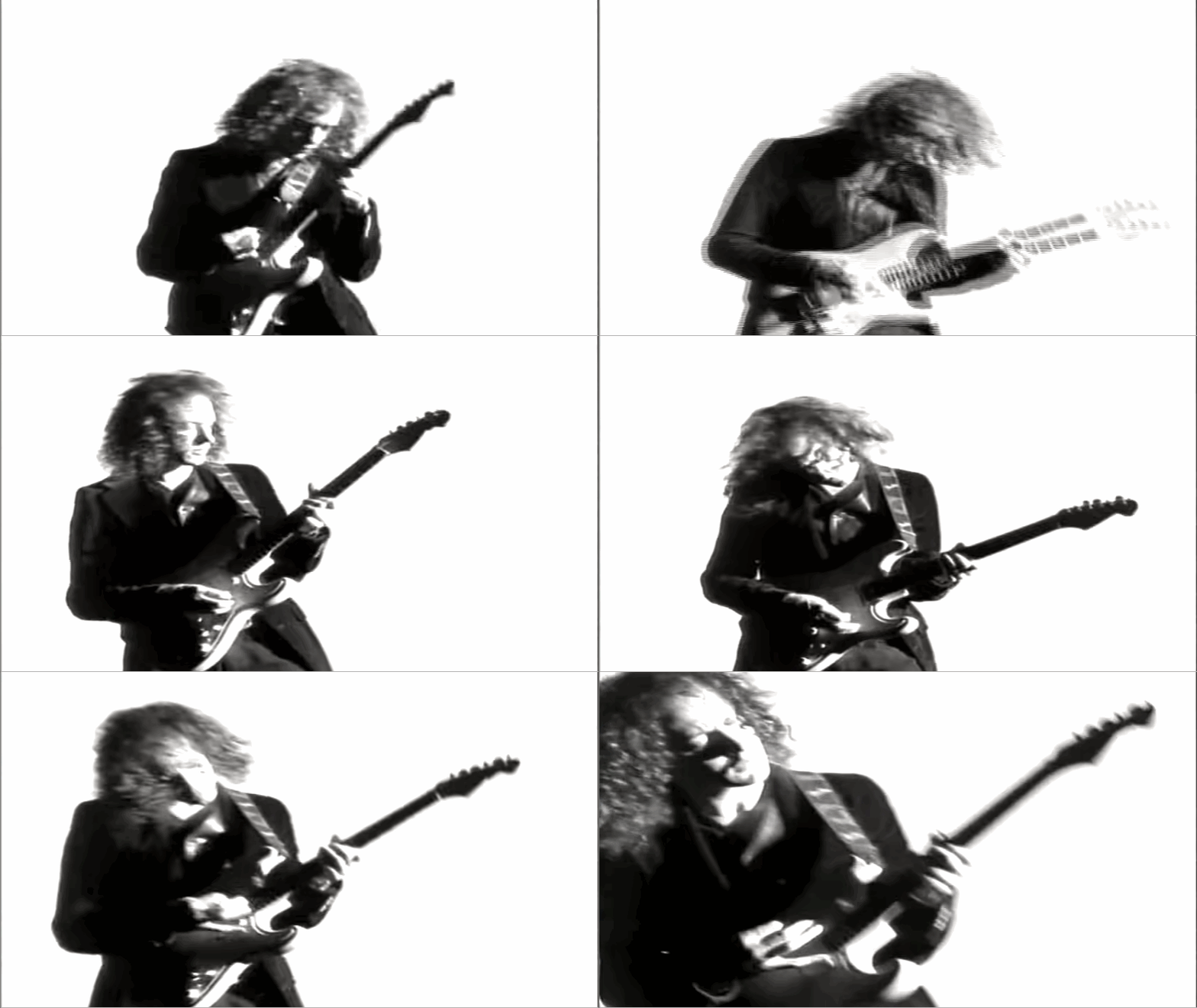
output
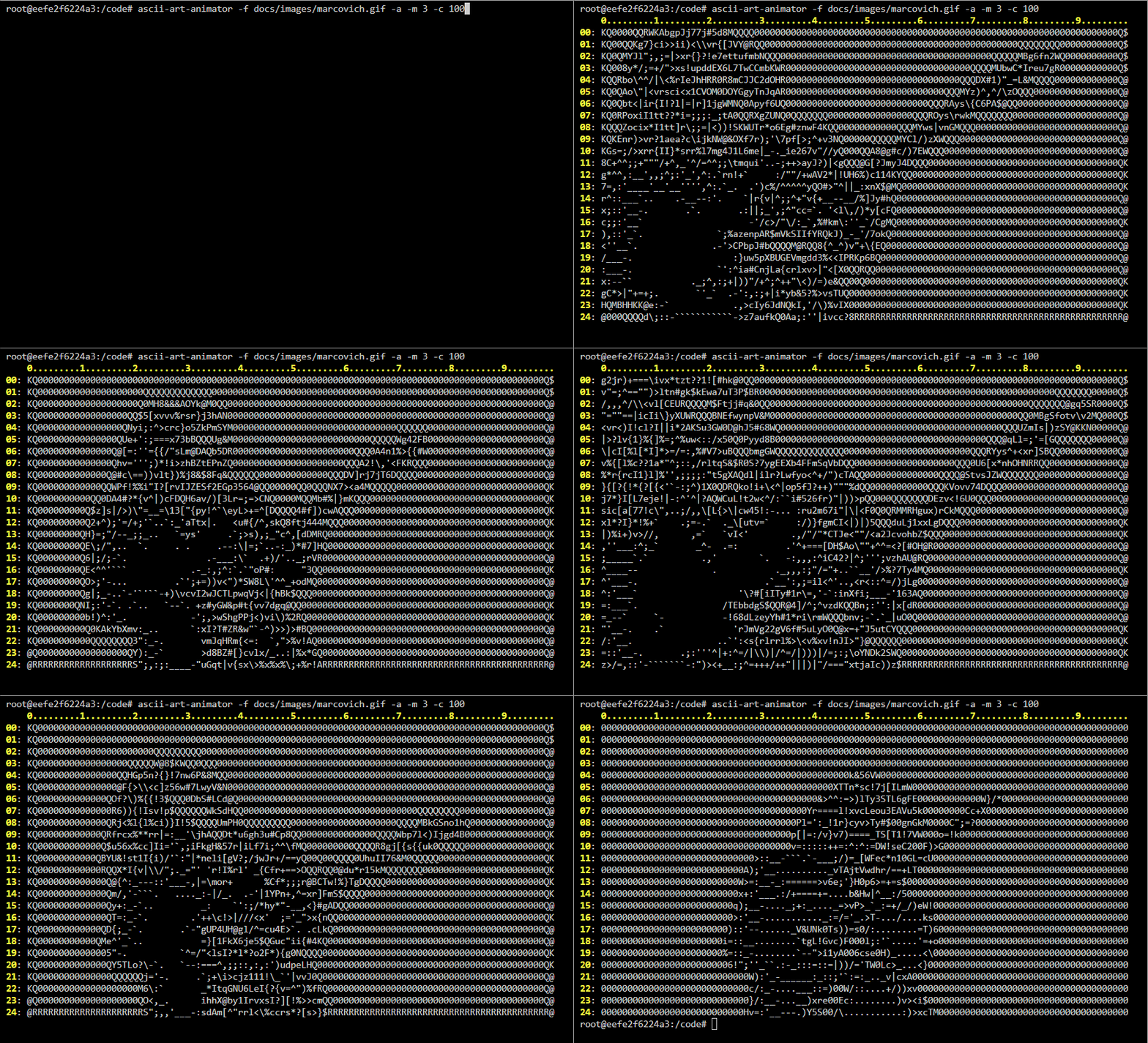
from ascii_animator import Animator, AsciiAnimation, Speed

Animator(
    animation=AsciiAnimation("docs/images/marcovich.gif", columns=100),
    speed=Speed.NORMAL,
    max_loops=1,
)Subclass Animation and implement:
grid- returns the current frame (list of rows)cycle()- updates state and returnsTruewhen a full cycle completes
from ascii_animator import Animator, Animation, Speed

class Bouncer(Animation):
    def __init__(self, width=20):
        self.y_size = 1
        self.x_size = width
        self.position = 0
        self.direction = 1
        self._grid = [[" " for _ in range(self.x_size)]]
        self._draw()

    @property
    def grid(self):
        return self._grid

    def _draw(self):
        self._grid[0] = [" " for _ in range(self.x_size)]
        self._grid[0][self.position] = "●"

    def cycle(self):
        if self.position == self.x_size - 1:
            self.direction = -1
        elif self.position == 0:
            self.direction = 1
        self.position += self.direction
        self._draw()
        return self.position == 0

Animator(
    animation=Bouncer(),
    speed=Speed.NORMAL,
    max_loops=3)
cycle() can also be impleted as a generator that yields once per frame update. This is useful for step-by-step visualizations (e.g. sorting, searching). If the animation needs to replay, implement reset() to restore initial state.
Speed presets:
from ascii_animator import Speed

Speed.VERY_SLOW
Speed.SLOW
Speed.NORMAL
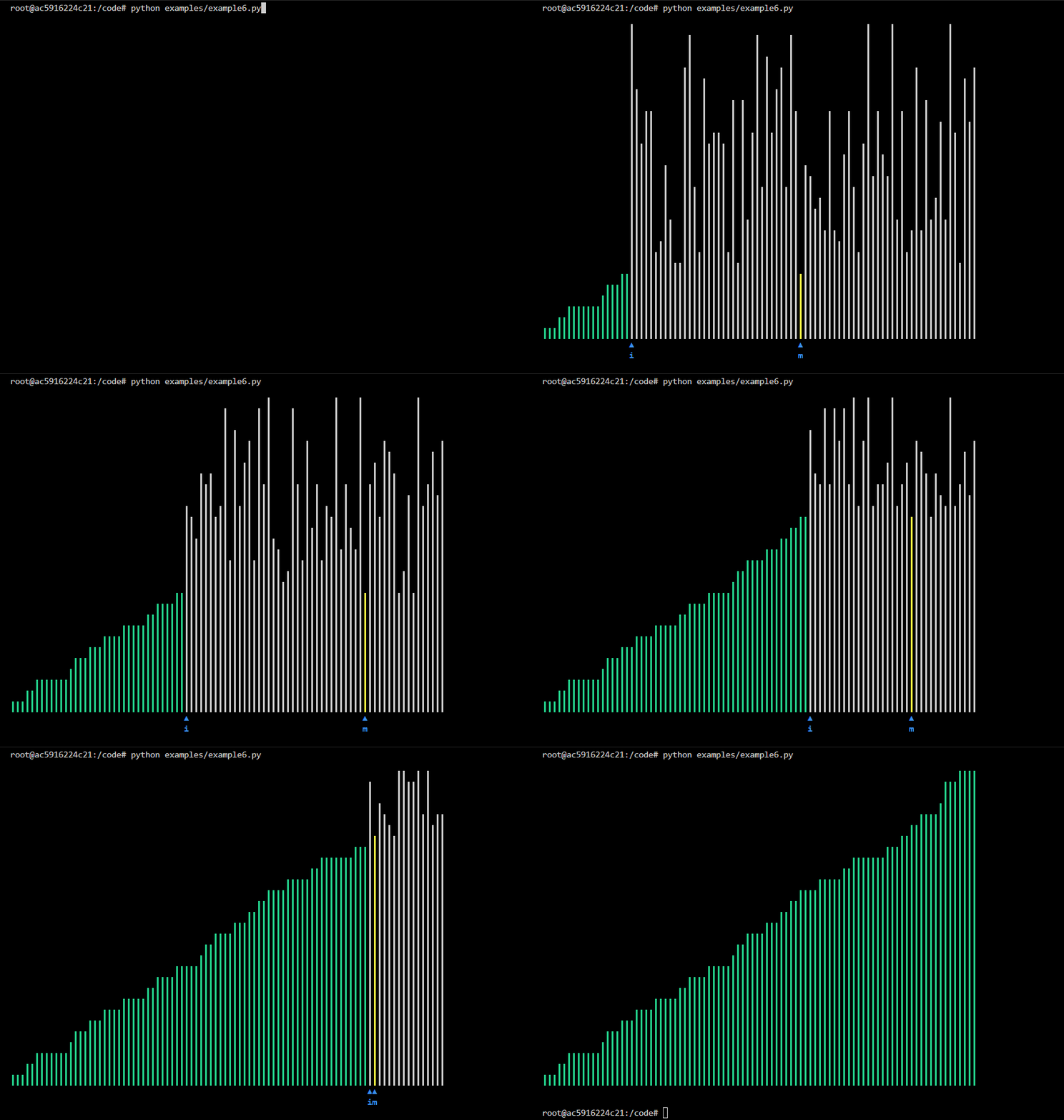
Speed.FASTA selection sort search is a simple and efficient sorting algorithm that works by repeatedly selecting the smallest (or largest) element from the unsorted portion of the list and moving it to the sorted portion of the list.

Here is another example of a selection sort animation this time using vertical bars.
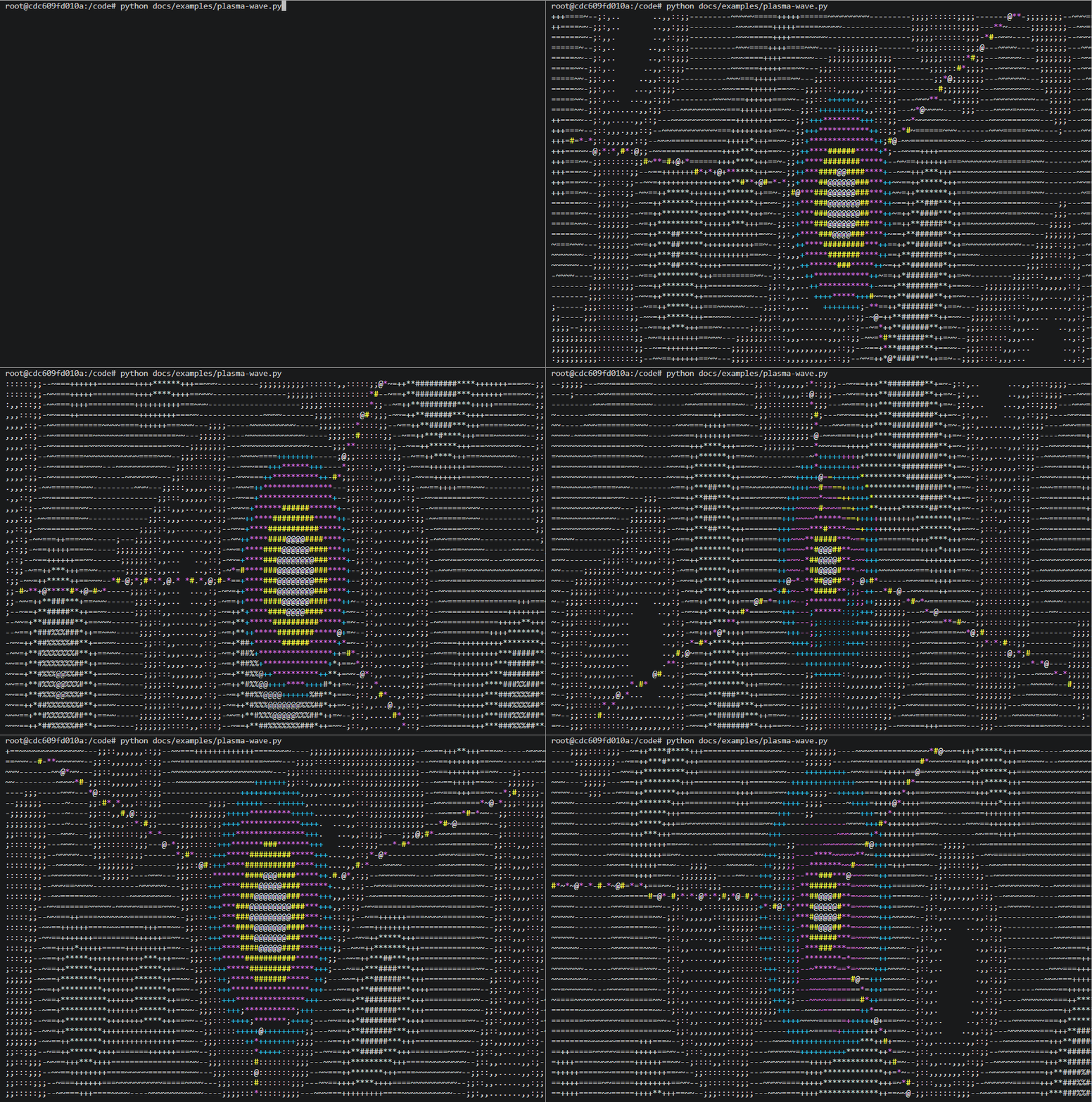
A plasma wave animation.
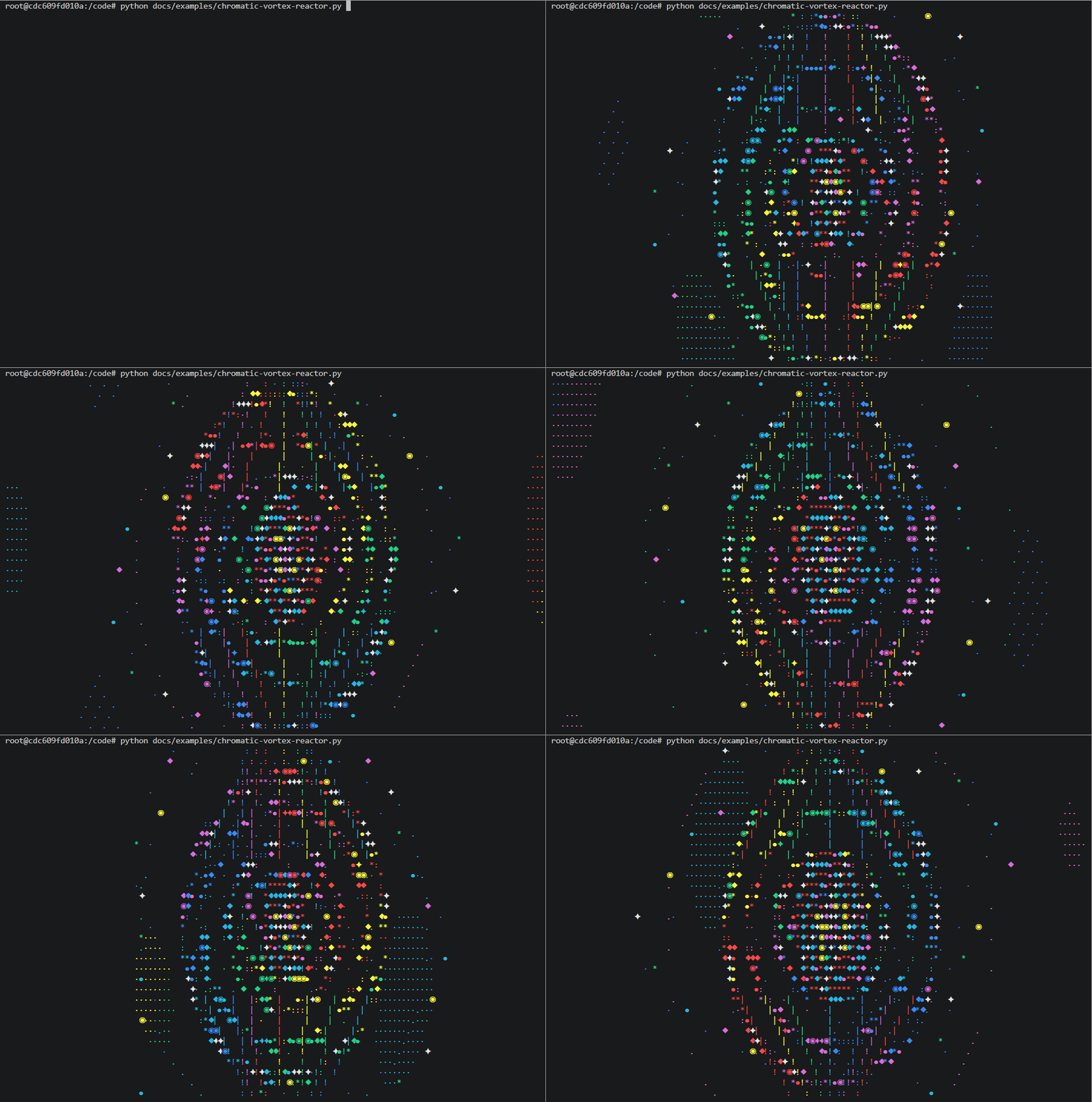
A chromatic vortex reactor animation.
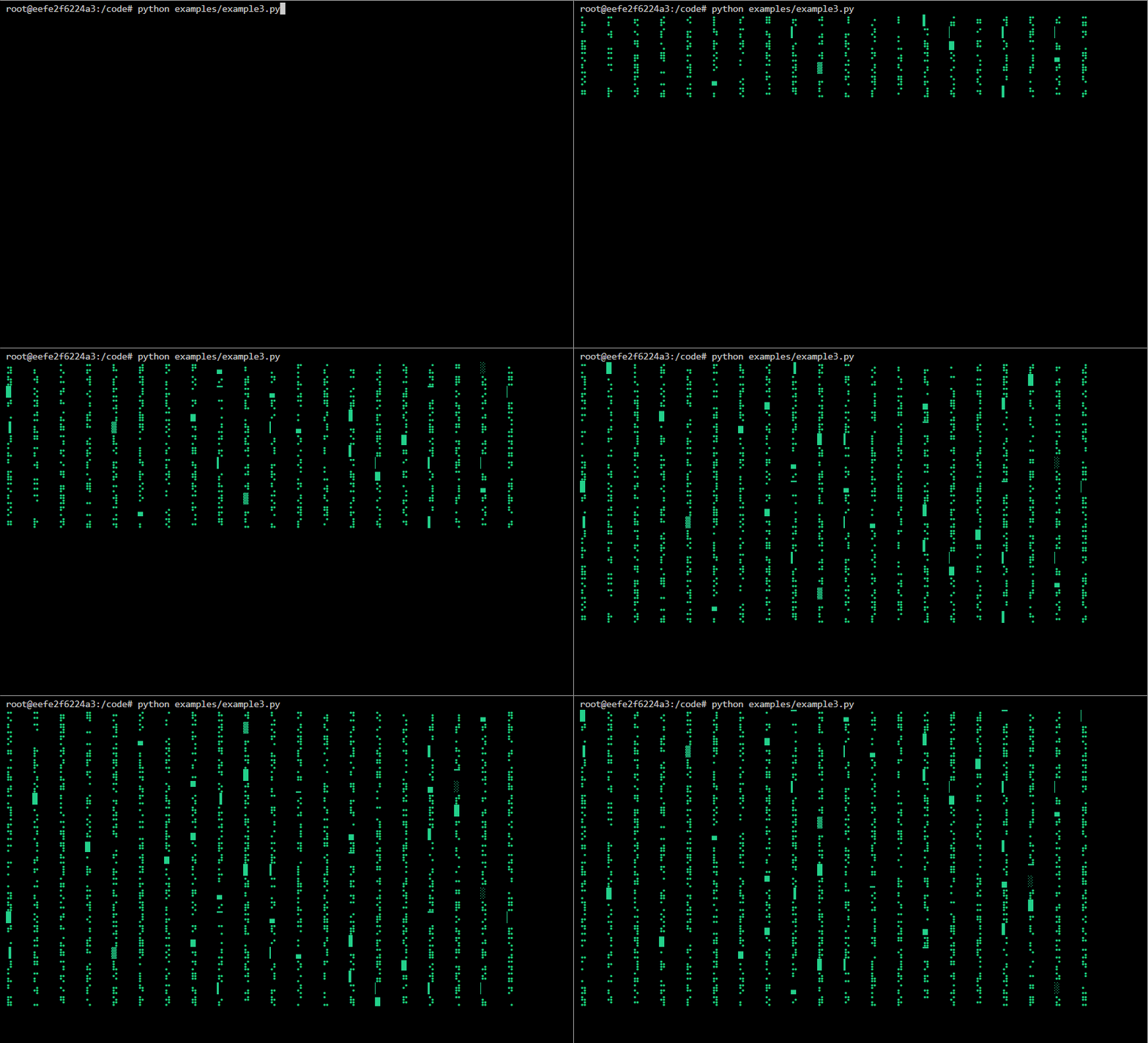
A Matrix animation.
A Conway Game-Of-Life implementation that uses ascii_animator to display the game to the terminal.
Clone the repository and ensure the latest version of Docker is installed on your development server.
Build the Docker image:
docker image build \
--target build-image \
-t ascii-animator:latest .
Run the Docker container:
docker container run \
--rm \
-it \
-v $PWD:/code \
ascii-animator:latest \
bash
Execute the build:
make dev