See a single file change over time. Open any file, step through every commit that touched it with the arrow keys — added and removed lines animate as you go — and pick any two commits to compare side-by-side.
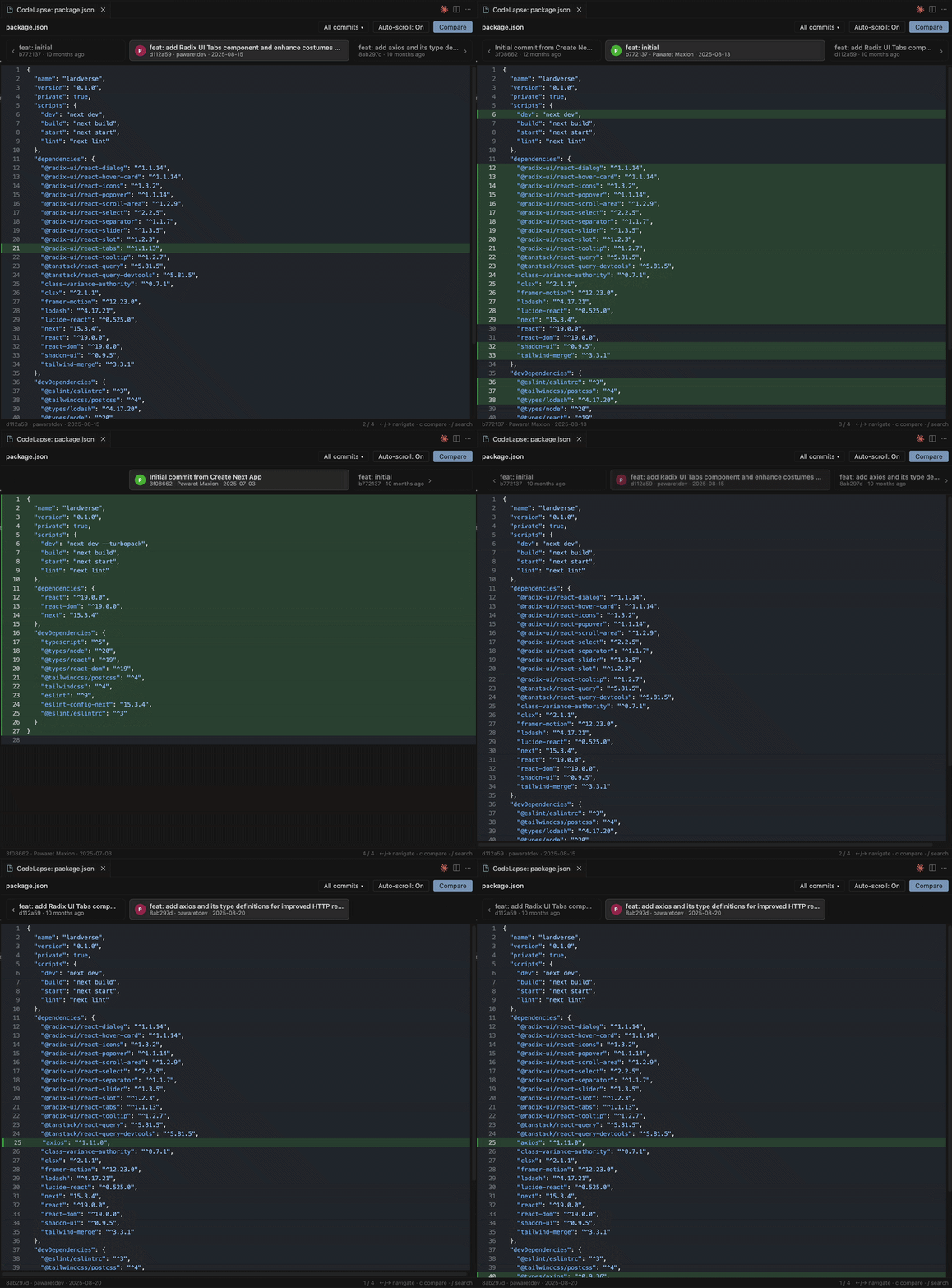


- File history viewer — open any file and see every commit that touched it (renames followed automatically).
- Top timeline — older · current · newer commit chips. Move through time with the keyboard or by clicking a neighbouring commit.
- Jump to any commit — press
/(or All commits ▾) to search by message, hash, or author and jump straight there. - Animated transitions — added lines slide in, removed lines slide out and collapse, while unchanged lines stay put, so you see exactly what each commit did.
- Changed-line highlighting — each snapshot highlights the lines that changed in that commit, relative to the previous one.
- Side-by-side compare — press
c(or the Compare button), pick commit A then commit B, and see a synchronized split diff. - Auto-scroll toggle — choose whether the view follows the changed lines when you switch commits. Remembered between sessions.
- Real syntax highlighting via Shiki, matching your light/dark theme. Uses Shiki's JavaScript regex engine, so no WASM is needed.
- Open the file you want to inspect.
Cmd/Ctrl + Shift + P→ CodeLapse: View File History (orCmd/Ctrl + Alt + H, or right-click the file → CodeLapse: View File History).- Step through commits with the keyboard, or press
/to jump to a specific one. - Press
cto compare: pick commit A, then commit B, to see a side-by-side diff. PressEscto exit.
| Key | Action |
|---|---|
← / ↓ / j |
Older commit |
→ / ↑ / k |
Newer commit |
Home / End |
Newest / oldest commit |
/ |
Open the jump-to-commit search |
c |
Compare two commits |
Esc |
Close search / exit compare |
- Starts at the newest commit; uncommitted working-tree changes are not shown as a separate entry yet.
- Compare diffs the file content directly (line-based).
- Languages are loaded on demand from Shiki's bundled grammars; anything it doesn't recognise falls back to plain text.
Inspired by pomber/git-history. Syntax highlighting by Shiki.