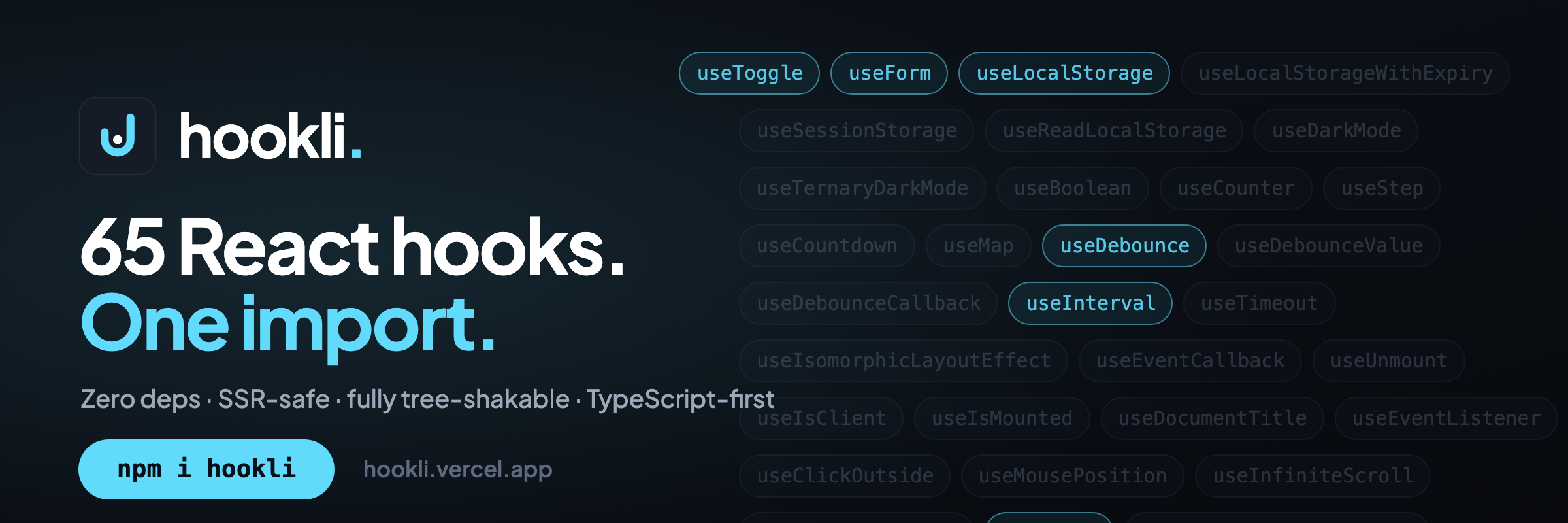
A tiny, typed collection of the React hooks you reach for every day.
Every hook you rewrite — typed, SSR-safe, zero dependencies.








Created by Saif Mohamed · ISC licensed
npm i hookli
# or
yarn add hookli
# or
pnpm add hookli
Peer dependency: React
>=18.
hookli is a React hooks library, written in TypeScript and ready to ship. It gives you a
small, dependency-free set of the hooks you reach for in almost every project — debounce,
localStorage wrappers, outside-click listeners, and the rest — so you stop rewriting the
same utilities for the hundredth time.
What sets hookli apart from similar libraries (including usehooks-ts):
- Zero runtime dependencies — not just "small deps," literally none besides React.
- SSR-safe by convention — every hook guards browser APIs; safe in Next.js and Remix.
- Manifest-driven docs — README, hook count, and the docs site all derive from one source of truth.
- Live demos on the real package — the docs import from npm, not a fork or snapshot.
- Every hook tested — colocated vitest tests and a CI gate on every PR.
The library is designed to be as minimal as possible. It is fully tree-shakable (via the ESM build), meaning you only ship the hooks you import and the rest is removed from your bundle — the cost of adding hookli is negligible. Every hook is typed and SSR-safe, so it drops straight into Next.js / Remix.
import { useLocalStorage } from "hookli";

function Component() {
  const { value, setStoredValue } = useLocalStorage("my-key", 0);

  // ...
}📚 Full docs with a page per hook and live demos: https://hookli.vercel.app/docs
useToggle— Boolean state with toggle and explicit set.useForm— Controlled form state with one change handler.useLocalStorage— State persisted to localStorage.useLocalStorageWithExpiry— Persisted state with a TTL.useSessionStorage— useState backed by sessionStorage, synced across tabs.useReadLocalStorage— Read a localStorage key without writing it, reactively.useDarkMode— Dark-mode boolean with toggle.useTernaryDarkMode— Three-state dark mode — system, dark or light — persisted.useBoolean— Boolean state with setTrue, setFalse, toggle and set.useCounter— Numeric counter with increment, decrement and reset.useStep— 1-indexed step counter for wizards and steppers.useCountdown— Self-stopping countdown or count-up timer.useMap— Manage a Map as immutable React state.useDebounce— Debounces a changing value.useDebounceValue— State whose debounced copy updates after a pause.useDebounceCallback— Debounces a callback, with cancel, flush and isPending.useInterval— Runs a callback on a fixed interval; pause by passing null.useTimeout— Runs a callback once after a delay; cancel by passing null.useIsomorphicLayoutEffect— useLayoutEffect on the client, useEffect on the server.useEventCallback— A stable callback that always calls the latest closure.useUnmount— Runs a cleanup function once, when the component unmounts.useIsClient— Reports false on the server and true after hydration.useIsMounted— A stable getter for whether the component is still mounted.useDocumentTitle— Keeps document.title in sync with a value, SSR-safe.useEventListener— Subscribe to a window, document or element event with cleanup.useClickOutside— Runs a callback on outside click.useMousePosition— Cursor coordinates within an element.useInfiniteScroll— Triggers loading near the scroll end.useExpandableText— Collapse long text by a character and/or line budget with a show-more toggle.useHover— Tracks whether the pointer is hovering an element.useIntersectionObserver— Observe an element's viewport intersection reactively.useResizeObserver— Measure an element's size reactively via ResizeObserver.useScrollLock— Lock and restore scrolling on the body or an element.useClickAnyWhere— Run a handler on every click anywhere in the document.useMediaQuery— Tracks whether a CSS media query currently matches.useScreen— Tracks window.screen, refreshing it on every resize.useWindowSize— Tracks the viewport's { width, height }, updated on resize.useCopyToClipboard— Copy text to the clipboard, tracking the last copied value.useScript— Load an external script and report its load status.useFetch— Declarative fetch with loading and error status.useGeoLocation— Browser geolocation state.usePrevious— Track a value from the previous render.useList— Array state with push, insert, update, remove, and clear helpers.useSet— Set state with add, remove, toggle, has, and clear helpers.useThrottle— Throttle a fast-changing value to at most one update per interval.useUpdateEffect— A useEffect that skips the initial mount and runs only on updates.useEffectOnce— Run an effect exactly once, on mount.useKeyPress— Track whether a specific key is currently held down.useWindowScroll— Track the window scroll position reactively.useAsync— Run an async function and track its loading, error, and value state.useMutation— Run an async write action on demand and track status, data, and error.usePagination— Page, page size, total pages, navigation helpers, and the current item range.useNetworkState— Track online/offline status and connection details.usePageVisibility— Track whether the page/tab is currently visible.useIdle— Detect user inactivity after a configurable threshold.useQueue— FIFO queue state with add, remove, clear, and first/last/size.useDefault— useState that falls back to a default when the value is nullish.useRafState— useState whose updates are batched to the next animation frame.useDeepCompareEffect— useEffect that compares dependencies by deep structural equality.useTextSelection— Track the text the user has currently selected on the page.useLongPress— Detect a long press (mouse or touch) via spreadable handlers.useHotkeys— Bind a keyboard shortcut combo (e.g. ctrl+k) to a callback.useFullscreen— Control the Fullscreen API for an element and track its state.useBattery— Read device battery level and charging state (where supported).usePermission— Query a Permissions API permission and track its state.
Every hook ships its own declarations — no @types/hookli needed. Data hooks are generic,
so inference flows through:
const { data } = useFetch<Product[]>("/api/products"); // data: Product[] | null
const debounced = useDebounce(query, 300); // debounced: typeof queryhookli is free and open source, built and maintained in the open. If it saves you time:
- ⭐ Star the repo — it's the #1 way to help others find it.
- 💖 Become a sponsor — fund ongoing maintenance and new hooks.
Every star and sponsorship genuinely helps keep this going. Thank you! 🙏
Contributions of any size are welcome — see CONTRIBUTING.md. In short:
each hook lives in its own folder under src/hooks/use-<name>/ (hook + colocated vitest test +
barrel), keep it SSR-safe, and make sure bash ralph/check.sh (typecheck + tests + build) is green.
ISC © Saif Mohamed