

Generate settlement maps. Bring your own world.
Version 4 uses one physical planner for every village and city, with shared rendering, resident accounting and GeoJSON in local metres. The legacy APIs are retired. See the 4.0.0 release notes and migration guide.
SettleMaker is a procedural map engine for Node.js and browsers. Give it a settlement's population, roads, terrain and seed; get an SVG map, local GeoJSON and a model you can inspect. The physical planner combines dispersed village plots and dense city blocks with shared landscape, rendering, resident accounting and GeoJSON in metres. All public generation uses this planner. See the migration guide for the retired API.
The bundled artwork depicts medieval settlements. Portable skins can replace buildings, vegetation, field textures and material colours for your own setting, without forking the engine. Copperline includes industrial, steampunk and modern examples. The city generator builds on watabou's TownGeneratorOS.


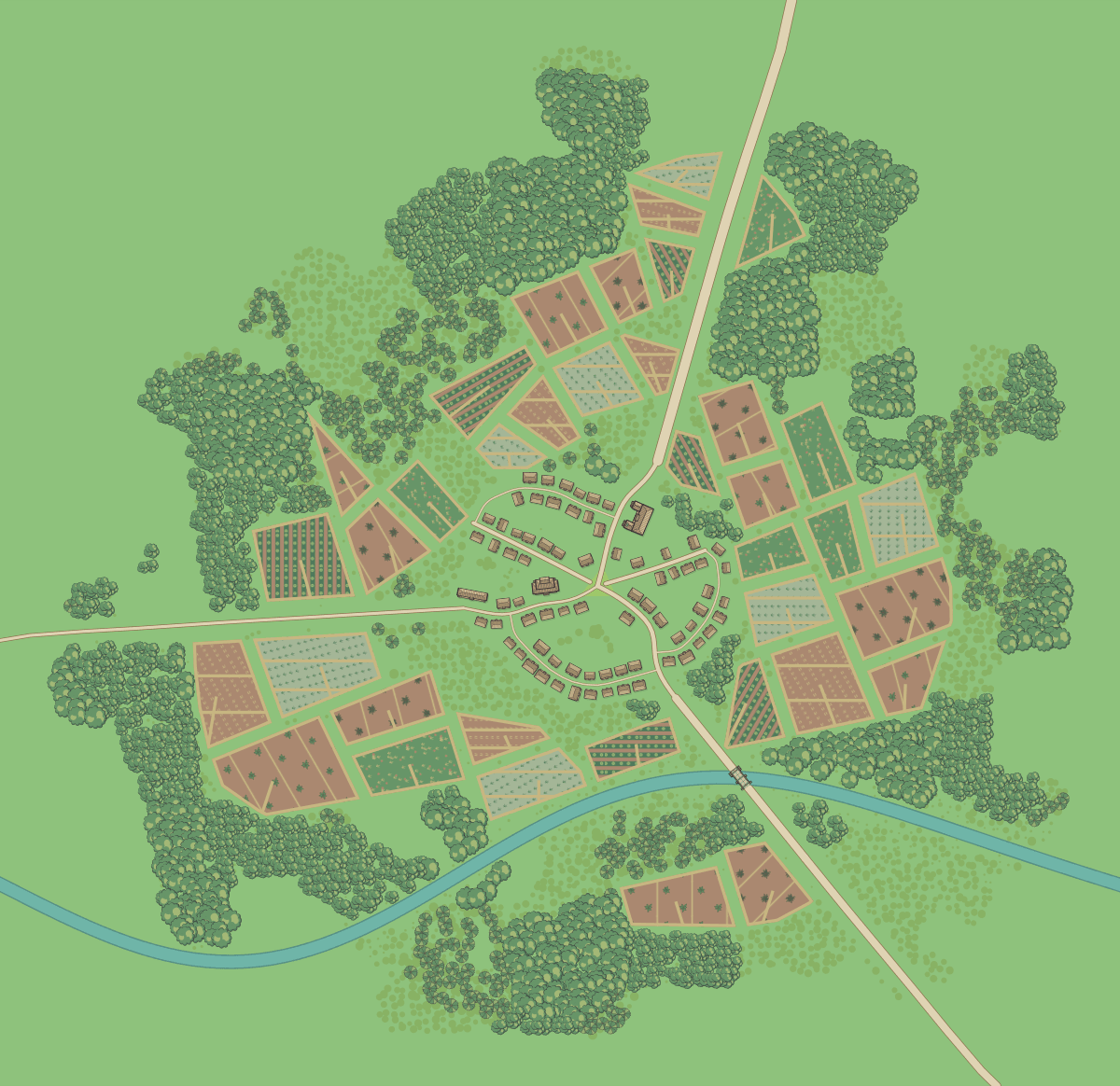
Ashford, population 300, and Thornwall, population 10,000. Both are real
generateSettlement outputs, seed 2. Click an image for the full SVG.
Explore the gallery and exact inputs.
npm install settlemakerThe package uses ES modules and includes TypeScript declarations. Save this
as generate.mjs and run node generate.mjs:
import { writeFile } from 'node:fs/promises';
import { generateSettlement } from 'settlemaker';

const burg = {
  name: 'Ashford',
  population: 300,
  biome: 'temperate',
  port: false,
  citadel: false,
  walls: false,
  plaza: true,
  temple: true,
  shanty: false,
  capital: false,
  roadBearings: [
    { bearing_deg: 18, kind: 'main', route_id: 'north-road' },
    { bearing_deg: 142, kind: 'town', route_id: 'south-road' },
    { bearing_deg: 267, kind: 'local', route_id: 'west-road' },
  ],
};

const result = generateSettlement(burg, { seed: 2 });
await writeFile('ashford.svg', result.svg);
await writeFile('ashford.geojson', JSON.stringify(result.geojson, null, 2));
console.log(result.kind); // 'planned'
console.log(result.model.development.preset); // 'village'
For a city of any size, set engine: 'city' on the burg. Set engine: 'village'
to keep a large settlement rural. Omitting it retains automatic selection at
1,000 people. walls, citadel,
plaza and temple describe requested features; their treatment depends on the
planner and available geometry. Use generateSettlement as your normal entry
point. planSettlement is an equivalent explicit planning entry point.
CommonJS callers can use await import('settlemaker') inside an async function.
In a browser app, import from settlemaker through your bundler, or serve the
standalone ESM file node_modules/settlemaker/dist/settlemaker.browser.js yourself.
The engine needs no rendering service or runtime artwork downloads.
Node, browser and TypeScript setup
| Output | What you can use it for |
|---|---|
svg |
A complete vector map with embedded artwork; display, save or rasterize it. |
geojson |
Buildings, streets, water and shared physical features in local metres, with version and scale metadata. These are not longitude/latitude coordinates. |
model |
A SettlementModel with physical geometry, development settings and resident accounting. |
model.degradedFlags |
Requested features that generation could not place. |
model.waterContextResult |
Diagnostics when using the measured-water contract. |
With engine: 'auto' (the default), population 1–1,000 selects the village
planner; larger populations select the city planner. Explicit selection removes
that boundary. Both layouts return the same physical model and GeoJSON contract in
local metres. Use development for explicit density and resident allocation settings.
Layouts and SVGs are repeatable for the same inputs, seed, rendering options and package version. Physical GeoJSON has no changing timestamp. Save the input, seed, package version and any skin alongside output you want to reproduce.
API and input reference · GeoJSON, scale and identity
The default artwork covers temperate, desert, tundra, tropical and coastal
settlements. These select different buildings, vegetation and landscape rules;
changing a biome can change the generated layout. A coastal artwork choice alone
does not supply a shoreline: provide water geometry or oceanBearing.
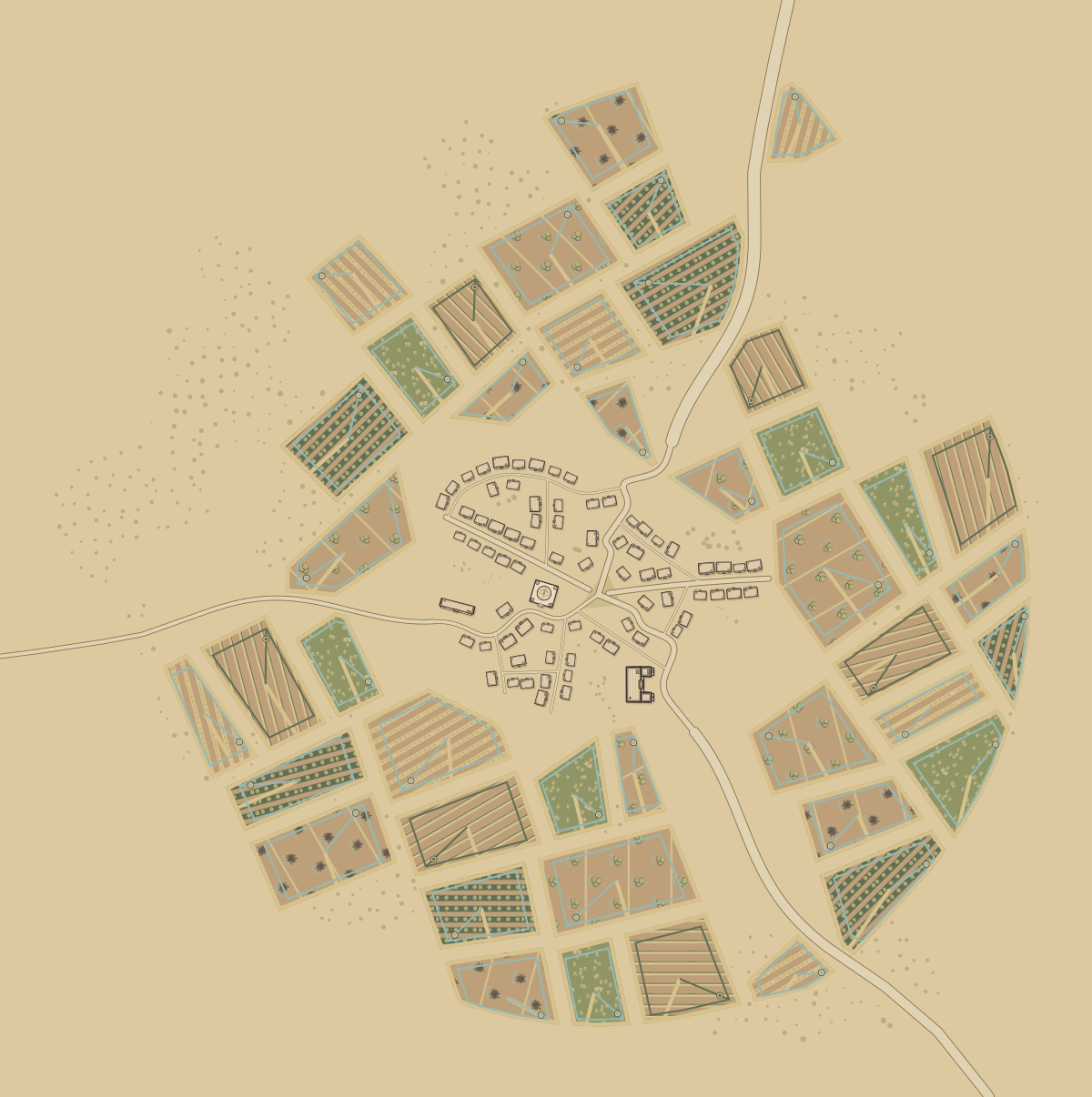
Supply every real road approach independently, using clockwise bearings from
north. through: true describes a continuing route; it does not create an
opposite exit. Use route IDs to retain provenance through shared streets and city
gates.
Water can come from filled polygons, village river centrelines, or a generated
coast from oceanBearing. Both physical layouts support measured waterContext
and polygon/river input in local metres. port requests infrastructure, rather than controlling whether
water is visible.
Road and water inputs · Measured-water contract
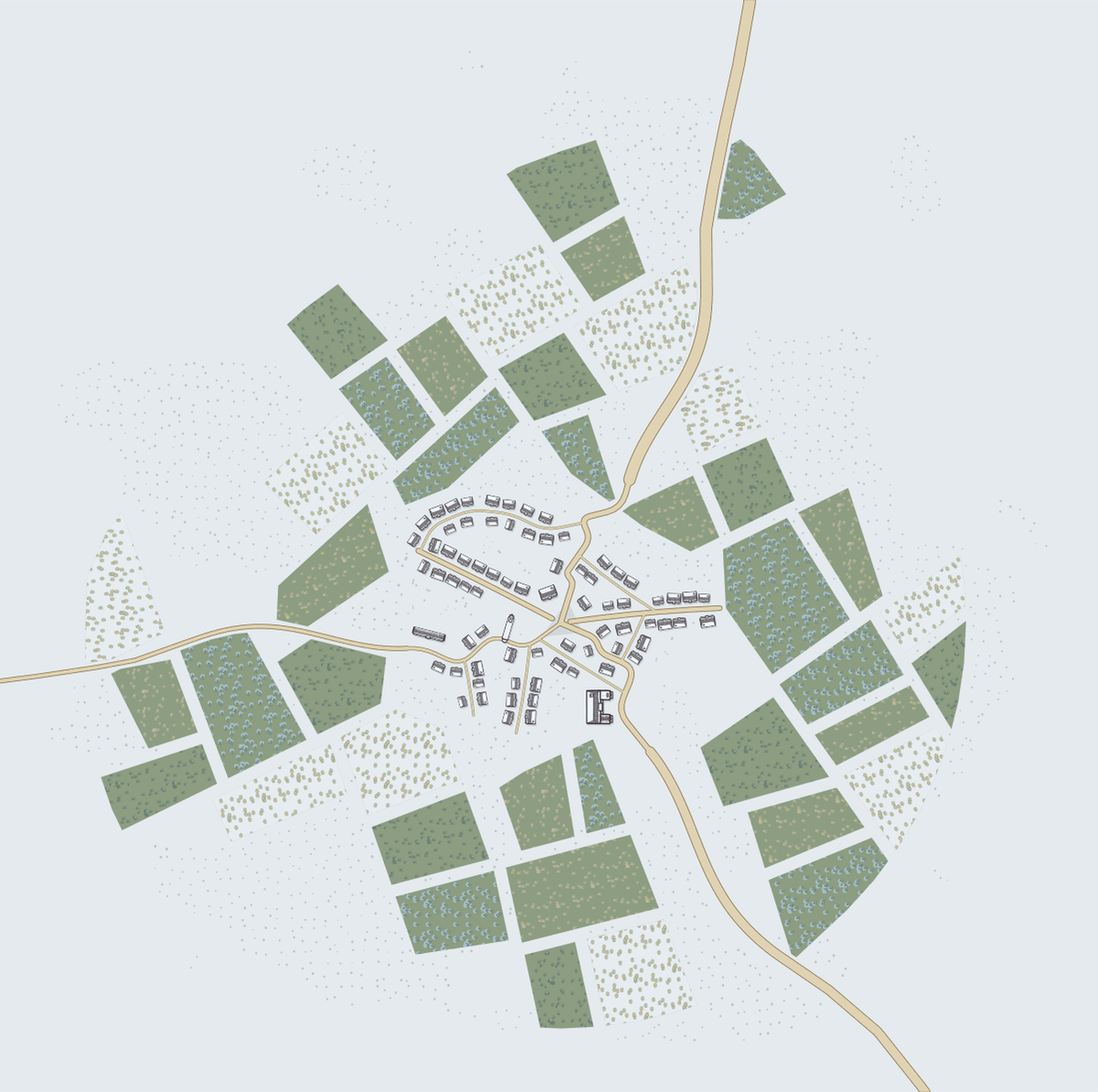
Using burg from the first example:
const largeVillage = generateSettlement(
  { ...burg, population: 2000, engine: 'village', biome: 'desert' },
  { seed: 2, theme: 'blueprint' },
);
const smallCity = generateSettlement(
  { ...burg, population: 800, engine: 'city', biome: 'desert' },
  { seed: 2, theme: 'blueprint' },
);
Both planners use the same regional ground, water and material colours. Omit
theme for natural biome colours, or choose night, blueprint, parchment,
classic, bw, ink, ancient, colour or simple. default is an alias for
parchment. Themes recolour the artwork without changing settlement geometry;
biomes can change both artwork and planning. Skins replace artwork for your setting.
A skin is a JSON document loaded with createSkin. It can replace exact SVG
slots, set material tokens and define named biomes that inherit existing terrain
behaviour. Partial skins inherit any artwork they omit.
Using burg from the first example:
import { createSkin } from 'settlemaker';

const skin = createSkin({
  version: 1,
  id: 'moon-glass',
  name: 'Moon Glass',
  tokens: { '--sm-stone': '#badcea' },
  biomes: {
    lunar: {
      base: 'tundra',
      village: { ground: '#68748c' },
      city: { paper: '#68748c' },
    },
  },
});

const moonVillage = generateSettlement(
  { ...burg, biome: 'lunar' },
  { seed: 2, skin },
);
await writeFile('moon-village.svg', moonVillage.svg);
For artwork replacement, SKIN_SLOTS supplies the supported IDs, view boxes,
anchors and placement constraints. Skin format 1 exposes 693 runtime slots.
The downloadable default artwork contains 852 drawings; catalogue drawings
and runtime slots serve different purposes.


Copperline covers all runtime slots and supplies industrial, steampunk and
modern presets. Skins change presentation and select an existing biome base;
they do not add new planning algorithms, occupancy rules or GeoJSON categories.
Some roads, walls and bridges are generated geometry rather than replaceable SVG
slots. Read the authoring guide for the supported controls and limits.
Create a skin · JSON schema · Copperline · Artwork catalogue
| Task | Guide |
|---|---|
| Generate and save maps in Node or a browser app | Getting started |
| Understand every input and rendering option | Library API |
| Join features, place output on a map or crop tiles | GeoJSON and coordinates |
| Embed the separately hosted renderer in an iframe | URL adapter contract |
| Render an existing city scene | Scene and rendering contract |
| Draw a complete alternative setting | Skin authoring |
| Build, test or regenerate documentation | Development |
The npm library runs in your application. The website at settlemaker.com is a separate application with its own deployment cycle. Publishing an npm release does not update that site. The URL codec does not transport skins or fetch arbitrary skin files.
The engine is GPL-3.0-only. See LICENSE and NOTICE for the terms, upstream attribution and dependency notices.
The six default artwork collections are distributed under CC BY 4.0 with a rendered-output exception, described in symbols/LICENSE. Their credits ship with the package. Copperline is GPL-3.0-only and is outside that artwork exception. Keep each collection's terms with redistributed artwork.