Scale and crop animated GIFs to an exact pixel size. Made for LED matrix
panels like 128x32 or 192x32 but it works for whatever fixed size you
need. It wraps ffmpeg under the hood so every frame gets resized in one
go and you never have to touch a single frame by hand.
| before | after (-s 128x32 --fit contain) |
|---|---|
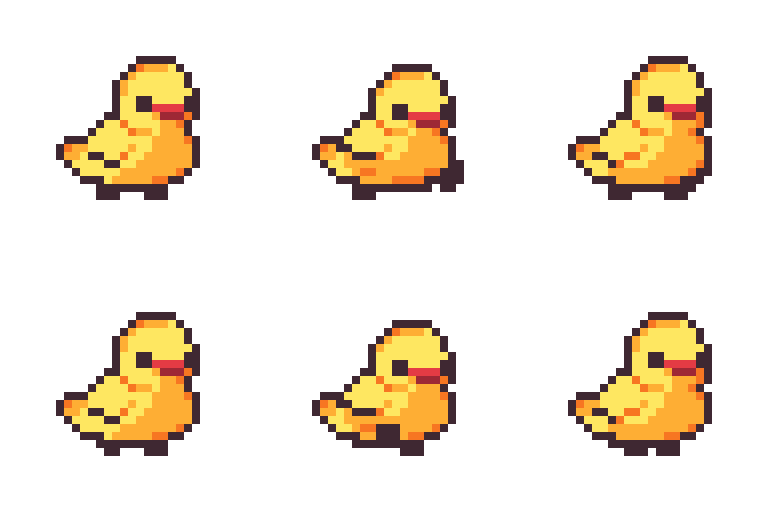 |
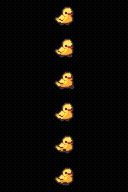 |
You need ffmpeg on your PATH. On macOS just run brew install ffmpeg.
pip install gif-resizer# Scale to fill 128x32 and crop whatever overflows (default)
gif-resizer input.gif -s 128x32
# Scale to fit inside 192x32 and pad the rest with black
gif-resizer input.gif -s 192x32 --fit contain
# Crop pinned to the top instead of centered
gif-resizer input.gif -s 128x32 --gravity top
# Batch resize a folder
gif-resizer *.gif -s 128x32 -o resized/The output is fully opaque by default. Any transparency in the source
(and any padding added by --fit contain) gets flattened onto
--background black. This is on purpose since a lot of simple GIF
decoders (LED matrix controllers included) don't really handle GIF
transparency right so baking in a solid color just works everywhere.
Pass --background transparent if you know your target can handle alpha.
There's also support for different gravity fit and fps settings. Run
gif-resizer --help to see everything it can do.